Email for Outlook, Hotmail
- 3.7
- Rating
- 1.00M
- Installs
- Free
- Price

 Analysis by App-foxy
Email for Outlook, Hotmail is a communication app from A1Apps-co that aims to make Outlook and Hotmail messages easier to manage from one place. After using it as a lightweight mail client, I found its main appeal is straightforward: it gives people who handle more than one Microsoft email account a simpler entry point than constantly switching between separate sign-ins. It is free, rated for Everyone, and works on Android devices running version 8.0 or later.
My overall view is positive but measured. This is a practical access tool, not a full replacement for every feature-rich email workflow. It makes sense for someone who wants quick access to Outlook Mail without a complicated setup, especially when several inboxes need checking during the day. However, users who depend on advanced organization, deep calendar integration, or the most polished Microsoft experience may feel more comfortable with the official Outlook app.
What using this mail app feels like
The first thing I noticed is that the app focuses on the basic job of email: getting into an inbox, reading messages, replying, and moving between accounts. That narrow focus can be a benefit. Instead of presenting a large collection of productivity tools, it keeps attention on communication, which is exactly what many casual users want from a secondary mail app.
You May Also Like

 Blood Strike: 2.5 Anniversary
Blood Strike’s Loadouts Turn Every Drop Into a Tactical Gamble
A close look at Blood Strike’s custom loadouts: how fast access to signature weapons reshapes its battle royale rhythm, rewards preparation, and narrows the gap between fights.

 Pandora - Music & Podcasts
Pandora’s Music Is Easy to Start, but Harder to Recover
Pandora’s strength is its low-effort path from a seed to a station. Its weak spot is how much confidence it asks you to place in connection, setup, and quiet recovery.

 8 Ball Pool
 Is Built on Rivalries, Rematches, and Routine
A close look at the rivalries, rematches, shared routines, and unanswered safety questions that turn a quick pool match into a persistent mobile community.

 Samsung Music
’s Quiet Strength Is Playing What You Already Own
Its reach comes less from spectacle than from dependable access to a personal library. That simplicity is both the app’s strongest retention engine and its ceiling.

 AccuWeather: Weather Radar
AccuWeather Review: A Quick, Clear Forecast for Everyday Decisions
For everyday plans, the best forecast is the one you can understand quickly. AccuWeather makes rain timing, radar, and local conditions easy to act on, with a few trade-offs.

 Hill Climb Racing
Why Hill Climb Racing Still Turns Crashes Into One More Run
A tiny car, a bumpy hill and one more upgrade: Hill Climb Racing keeps resurfacing because its simple chaos makes every near-miss feel personal.
More From Our News Desk



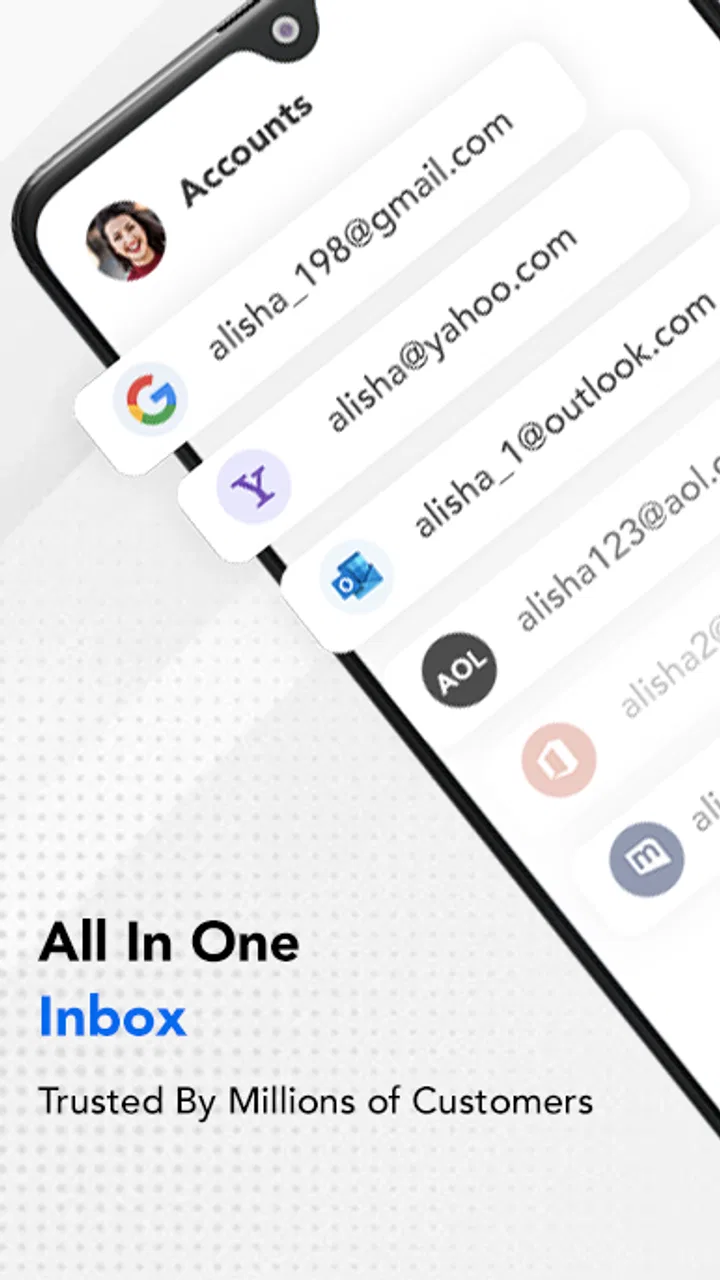
The store summary describes it as email for Outlook Mail and Hotmail with a single sign-in approach for multiple accounts. In everyday use, that positioning matters most to people who maintain separate addresses for personal messages, shopping, school, freelance work, or older Hotmail correspondence. Having those accounts available through one interface can reduce the small but repeated annoyance of signing out and back in.
I would not choose it simply because it carries the Outlook or Hotmail name in its description. The developer is A1Apps-co, rather than Microsoft, so I treat it as an independent client for accessing Microsoft email services. That distinction is important when deciding how much trust to place in the interface, how closely it may match Microsoft’s own tools, and whether it belongs in a work environment containing confidential messages.
The app has reached over one million installs and holds an average rating of 3.6 from roughly three thousand six hundred ratings. Those figures suggest that it has found a real audience, while also showing that the experience is not universally loved. I read that combination as a reason to approach it for convenience rather than assume it will satisfy every Outlook user.
Why the multiple-account idea is useful
The strongest part of the concept is the reduction of account friction. Imagine starting a weekday morning with one address for clients, another for family, and an old Hotmail account that still receives bills and password-reset messages. With a single mail client, I can check each inbox during the same short routine instead of opening different apps or repeatedly entering credentials.
That workflow is especially helpful when the accounts serve different purposes. I like keeping personal conversations separate from sign-up mail and older correspondence, but I do not always want the complexity of a full productivity suite. A simple client can act as a central checkpoint: scan urgent messages first, reply where needed, then leave lower-priority mail for later.
There is also a useful mental advantage. When several addresses are involved, the biggest risk is not always missing a message; it is forgetting which account sent it. Switching between accounts inside one mail app can make the source of a message easier to notice before replying. I recommend checking the active account carefully before composing, particularly when a personal address and a work address are both connected.
Another practical tip is to decide in advance what each account is for. The app can bring accounts together, but it cannot replace a personal filing system. I would use one account for direct communication, another for registrations, and a third only if it has a clear purpose. Otherwise, the convenience of one sign-in can turn into one crowded stream that is harder to review.
Where it works better than a browser
For occasional email users, opening Outlook or Hotmail in a mobile browser can feel unnecessarily slow. A dedicated app gives the activity its own place on the phone, which makes checking messages feel more immediate. I also find that a mail client is easier to return to during short gaps in the day than a browser tab that may have been closed or buried.
This advantage is most noticeable in small tasks. If I need to confirm a delivery message, answer a short question, or find an old conversation, a focused app is less distracting than opening a browser and navigating through other tabs. People who use email mainly for these quick checks may appreciate the simpler route.
There is a trade-off, though. A browser gives direct access to the web version of the service, where Microsoft’s own interface may expose more connected tools and account controls. The independent app is therefore most convincing when convenience matters more than having every desktop-style option immediately available.
A realistic everyday routine
Consider a student who has a personal Outlook address, a Hotmail account used for older services, and a separate address for part-time work. Before leaving home, they can open the app, review messages from each account, answer a schedule change, and check whether a purchase confirmation arrived. At lunch, they can return to the same place without remembering which browser tab contained which inbox.
That scenario shows the app’s real value better than the phrase “multiple accounts.” The benefit is not merely having several addresses stored; it is creating a repeatable routine. I would start with the account most likely to contain urgent messages, then check the others in a fixed order. This avoids spending the entire morning reacting to whichever inbox happens to appear first.
For a small business owner, the same approach can work for separating customer contact from personal correspondence. I would still be cautious about relying on it as the only professional mail tool. A business workflow may require more than reading and replying, including detailed scheduling, shared mailboxes, formal retention practices, or administrative controls that are better handled through Microsoft’s official services.
The important limitation: convenience does not equal full Outlook integration
The main weakness is the gap between accessing Outlook or Hotmail mail and reproducing the broader Microsoft ecosystem. People often think of Outlook as more than an inbox. It can be part of a wider routine involving calendars, contacts, files, organizational tools, and workplace accounts. An independent email client may be perfectly adequate for messages while still feeling incomplete beside the official Outlook application.
This matters if your day depends on connected actions. If an email invites me to a meeting, I may want the calendar experience to be immediately available. If a message relates to a shared work document, I may prefer an app that connects naturally with Microsoft’s other services. For those situations, the official option is likely the safer first choice because it is designed around the broader Outlook environment.
The app’s rating also reinforces my cautious recommendation. An average of 3.6 is respectable enough to show that many people find it useful, but it is not the kind of score that lets me call the experience consistently polished. I would expect some users to encounter interface preferences or account-handling behavior that does not match their expectations. That is why I would test it with a low-risk account before moving all important mail into the same workflow.
Security deserves practical attention as well. Email accounts can contain receipts, private conversations, identity documents, and password-reset messages. Since this app is developed by A1Apps-co and is not Microsoft’s official client, I would read the sign-in screens carefully and avoid entering credentials casually on an unfamiliar device. I would also use the strongest account protection available and keep recovery details current. Those are sensible habits with any third-party email client, but they matter especially here because the app’s central purpose is account access.
Who should use it, and who should skip it
I see the best fit as a casual or moderately active email user who wants Outlook and Hotmail accounts together without adopting a larger productivity environment. It is also suitable for someone maintaining an older Hotmail address while using a newer Outlook account, provided the person values a single place to check both.
It may be a good temporary solution for a spare phone, a secondary device, or a user who finds the official Outlook app more elaborate than necessary. The free price removes the need to make a financial commitment before deciding whether the workflow feels comfortable. Its Everyone age rating also makes it broadly approachable for general household use.
I would skip it as my primary choice if I worked inside a Microsoft-heavy organization, needed a deeply integrated calendar and contacts experience, or handled sensitive business correspondence every day. In those cases, I would start with Microsoft Outlook itself. I would also avoid making this my only mail route if losing access to one client would disrupt important communication; keeping a browser-based fallback is sensible.
Users with only one account and very occasional messages may not gain much from installing it. The multiple-account convenience is the reason to choose this app. Without that need, the official client or a browser may offer a more direct relationship with the service. Likewise, people who want a unified inbox across many unrelated providers should compare the app carefully with a mature multi-provider mail client before moving everything over.
Small habits that make the experience better
I recommend giving each connected account a clear role before using the app regularly. This prevents the common mistake of treating a central inbox as permission to mix every kind of message together. I would also review the sender address before replying, because the ease of switching accounts can make an incorrect “from” address easier to miss.
For searching older mail, I would use the app for quick retrieval but keep expectations realistic. A lightweight client is excellent when I remember a sender or a distinctive subject. If I need complex filtering across years of correspondence, detailed categorization, or a desktop-scale filing project, I would move that task to the web version or official Outlook tools instead of forcing the mobile interface to do everything.
A second useful habit is to separate checking from processing. I can scan all accounts first, identify messages that need action, and then reply in a deliberate pass. This is more efficient than reacting to every notification immediately. The app’s value is strongest when it supports a routine rather than becoming another source of constant interruption.
Finally, I would keep the application updated and pay attention to the installed build, currently listed as nativemail-1.38.0-play. That version detail is useful when troubleshooting because behavior can change after updates. If an account suddenly behaves differently, noting the app version before seeking help makes the problem easier to describe.
My verdict after weighing the trade-offs
Email for Outlook, Hotmail succeeds when I judge it by its clearest purpose: giving Outlook and Hotmail users a convenient mobile place to handle multiple accounts. It is free, accessible on older Android devices from version 8.0 onward, and simple enough for everyday checking. The large install base shows that the approach appeals to many people, even though the middling rating suggests that expectations need to be realistic.
I recommend it as a focused, convenient mail client for personal multi-account use, not as a universal Outlook replacement. If your priority is opening several Microsoft inboxes quickly and keeping routine replies in one app, it is worth trying. If your priority is Microsoft’s complete connected workspace, advanced organization, or the strongest possible first-party integration, I would choose the official Outlook route instead.
My final advice is to begin with one non-critical account, use it through a normal week, and see whether switching, reading, composing, and account awareness feel natural. If that test solves a genuine daily annoyance, the app earns its place. If it merely duplicates what you already do comfortably in Outlook or a browser, there is little reason to change. That makes this a useful specialist tool: valuable for the right email routine, but not automatically the best choice for everyone.
FAQs for Email for Outlook, Hotmail
01What is Email for Outlook, Hotmail, and what can I use it for?
Email for Outlook, Hotmail is designed to help users access and manage their Microsoft email accounts from a mobile device. Depending on the version and configuration, it may let you read, send, reply to, forward, and organize messages, while also supporting account switching and basic inbox management. It is useful for people who want convenient access to Outlook.com or Hotmail email without relying exclusively on a desktop browser.
02Can I sign in with an existing Outlook or Hotmail account?
In most cases, the app is intended for users with an existing Microsoft email address, including Outlook.com, Hotmail, Live, or related accounts. You should enter your credentials carefully and follow any Microsoft security prompts, such as verification codes or approval requests. Availability of account features can vary, so confirm that the app uses Microsoft’s official sign-in process before entering sensitive information.
03Is Email for Outlook, Hotmail an official Microsoft application?
The name Email for Outlook, Hotmail can be used by different applications, so users should check the developer, store listing, permissions, privacy policy, and download count before installing. The official Microsoft email client is generally listed under Microsoft Corporation and is commonly associated with Outlook. If the application is from another developer, avoid assuming it has the same security, support, or privacy protections as Microsoft’s official app.
04Does the app require an internet connection to work?
An internet connection is normally required to sign in, synchronize new messages, send email, download attachments, and update folders. Some previously loaded messages may remain available temporarily for offline viewing, depending on the app and device settings, but offline functionality is usually limited. For reliable synchronization, use a stable Wi-Fi or mobile-data connection and allow the app to operate in the background if necessary.
05What privacy and security issues should I consider before downloading it?
Email applications handle highly sensitive information, including personal conversations, contacts, documents, and account credentials. Before downloading, review the developer information, requested permissions, privacy policy, advertising practices, and data-sharing disclosures. Enable two-step verification on your Microsoft account, use the official store whenever possible, and never provide your password through an unfamiliar web form or an app that does not clearly explain how your information is protected.
Pros
- Focused inbox helps separate important messages from newsletters.
- Strong calendar integration makes scheduling and reminders convenient.
- Email search is fast and supports useful filters and keywords.
- Supports multiple accounts in one app
- including non-Microsoft addresses.
- Built-in spam and phishing protection improves everyday email safety.
Cons
- Some advanced features require a Microsoft 365 subscription.
- The interface can feel crowded when mail
- calendar
- and files are enabled.
- Large inboxes may take time to synchronize on slower connections.
- Push notifications can be inconsistent with certain battery-saving settings.
- Microsoft account sign-in is required for the full experience.

Email for Outlook, Hotmail
Gallery